
.svg)

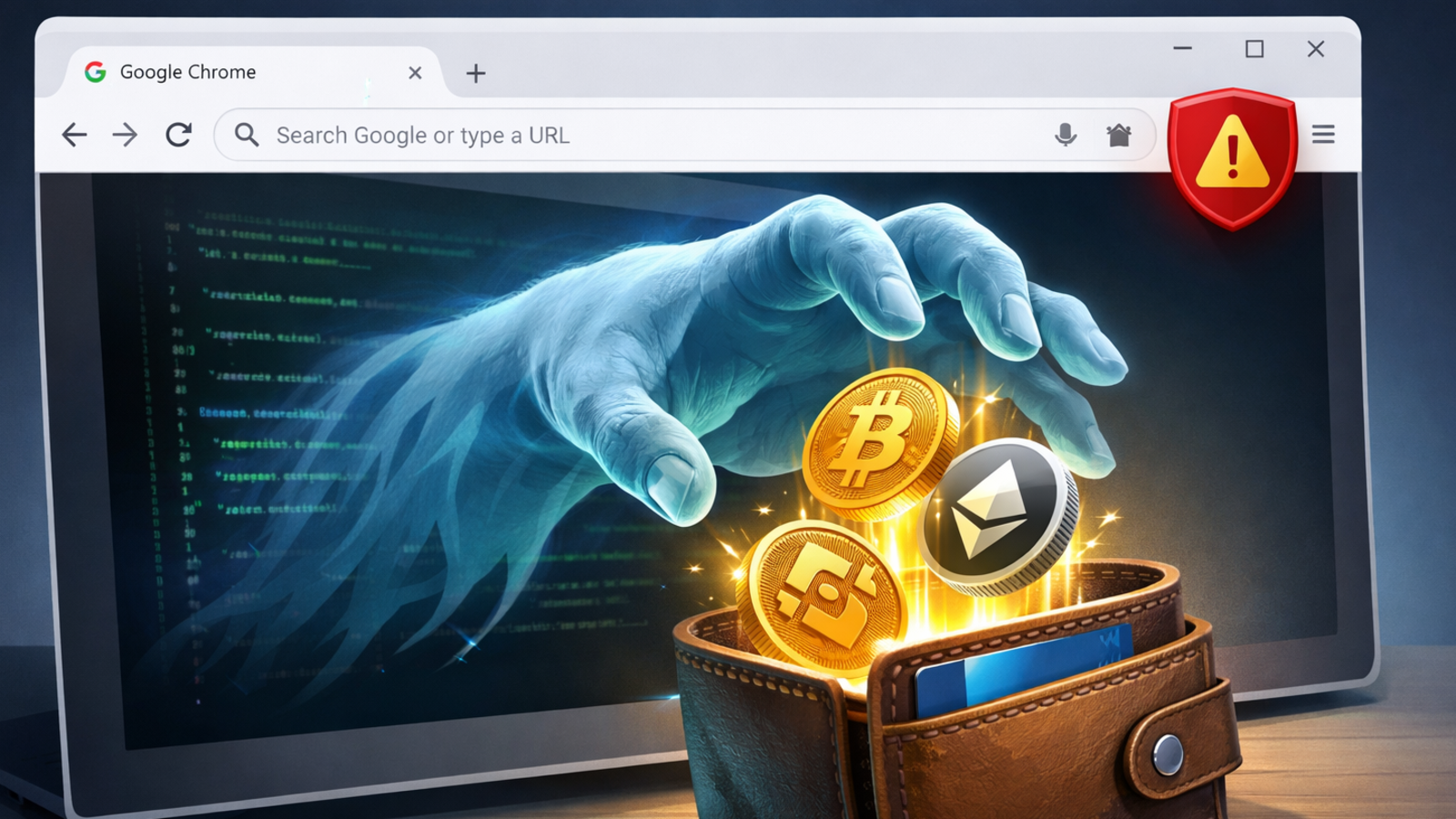
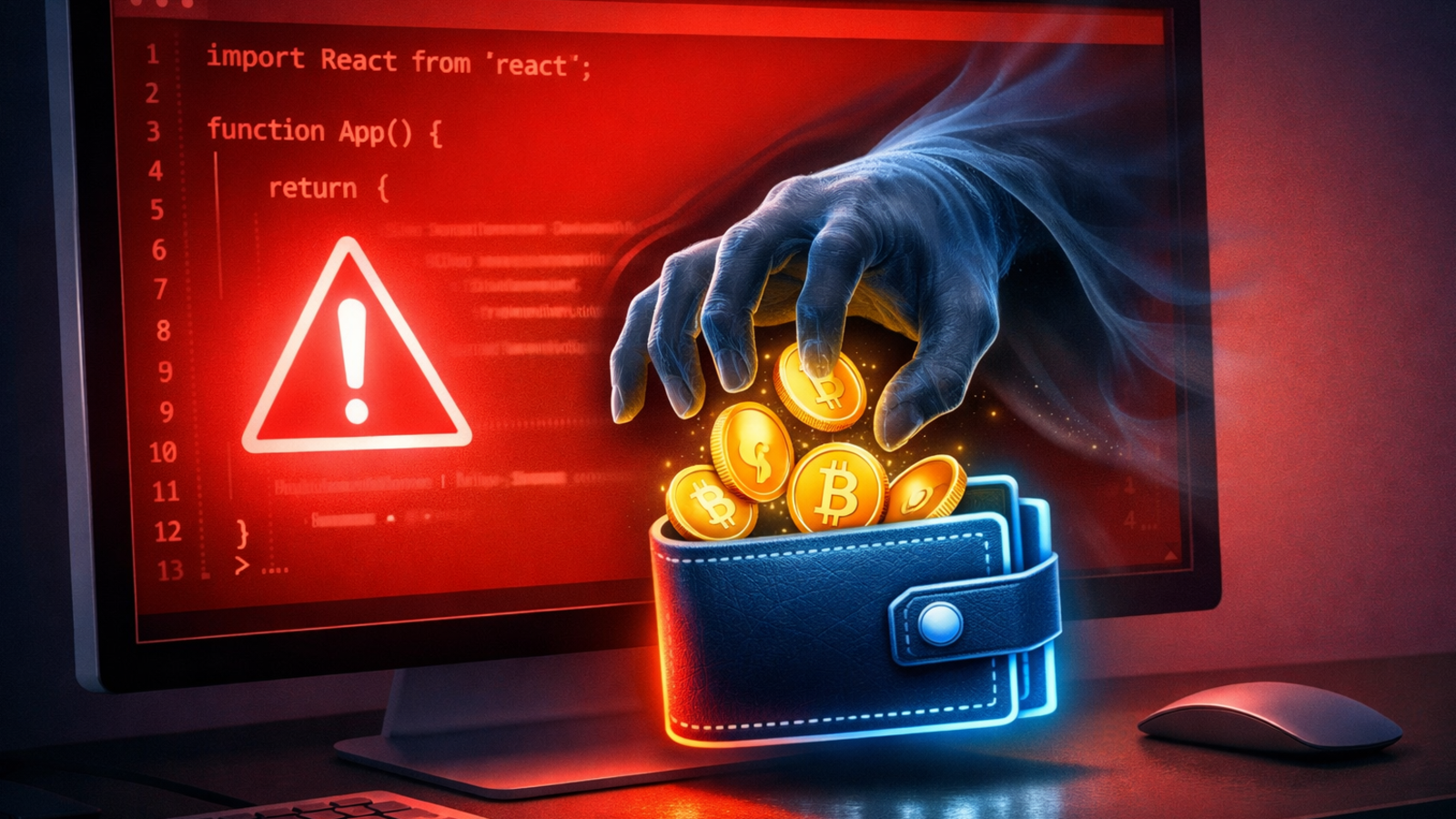
Trust Wallet has confirmed that a security breach in its Chrome browser extension led to more than 7 million dollars in user funds being stolen shortly after a new update went live. The problem was traced to version 2.68 of the extension, which was pushed to users on December 25 and soon flagged by onchain investigator ZachXBT after reports of wallets being suddenly emptied. Binance co-founder Changpeng Zhao, whose exchange owns Trust Wallet, said all affected users will be reimbursed.
According to security firms that reviewed the incident, the compromised release contained malicious code that could access and export users’ seed phrases or private keys to an attacker controlled server. That access allowed thieves to take control of wallets and move assets out without any further interaction from the victim, turning a routine software update into a full scale theft. Investigators say the issue appears limited to the Chrome extension and does not affect Trust Wallet’s mobile apps or other browser versions.
Trust Wallet has urged users to avoid version 2.68 entirely and to upgrade to version 2.69 or later, which removes the backdoor and adds extra checks around the extension’s update pipeline. Users who logged into or installed the affected version during the attack window are being told to assume their mnemonic phrase has been compromised, generate a new wallet and move funds to fresh addresses as soon as possible. The company has also begun collecting claims through its support channels so it can verify losses and start the refund process.
The hack is another reminder of how browser extension wallets sit on the frontline of crypto security. While self custody tools promise direct control over funds, they can also be a single point of failure if code signing keys, web store accounts or build systems are compromised. Analysts say the Trust Wallet case highlights the need for tighter release controls, more frequent security audits and clearer guidance for users on how to respond when an extension update behaves unexpectedly.










































































.svg)
.svg)
.svg)
.svg)
.svg)
.svg)